



-
Home

-
Maintenance Kit Instructions
-
HP LaserJet 3000
- HP Color LaserJet 3000 fuser installation instructions
HP Color LaserJet 3000 fuser installation instructions

Replacing the fuser
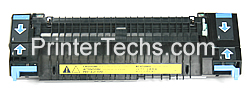
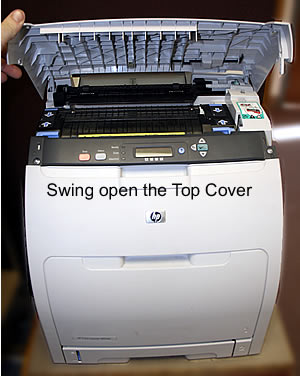
Swing open the top cover.
Pinch the two blue fuser tabs (circled in red) below. While pinching the tabs, slightly rotate the fuser away from you and lift the fuser up and out.
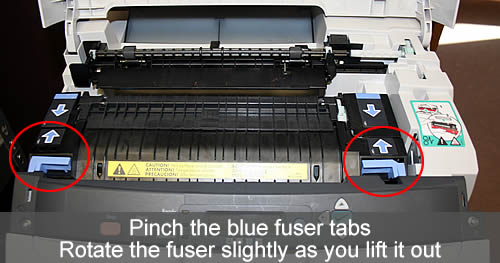
Install the new fuser, back end first and then rotate the front end down in place so that the blue locking tabs "snap" in place.
That's it for the fuser! Remember to send your fuser back to us if you purchased your maintenance kit on exchange. Ship it back in the box we sent if you still have it.
Other Steps in HP LaserJet 3000
- HP Color LaserJet 3000 fuser installation instructions
- HP Color LaserJet 3000 manual feed separation pad and pickup roller installation instructions
- HP Color LaserJet 3000 cassette separation pad and pickup roller installation instructions
Tech Support
Featured Articles



